
We don’t cut corners
on sound.
Even an old phone sounds different depending on how it’s driven.That’s where reTONE has spent its time.
Convert once.
Carefully.
Older Android phones convert even CD-quality 44.1 kHz tracks to 48 kHz.If it can’t be avoided, reTONE does it once, and does it properly.
Without a setting, Android rolls off the highs
Kept out of the audible band
Android doesn’t convert again
Formulas included
Plays what
your phone can’t.
Hi-res FLAC, DSD, AIFF, ALAC.reTONE’s own engine reads them, even on Android 4.1.
The engine is written in C. Even a two-core test phone from 2012 plays DSD64 and 24-bit/192 kHz tracks.
Straight to
your USB DAC.
Sent over OTG straight to the DAC, bypassing Android’s audio processing.If the DAC accepts the track’s rate, nothing is converted.
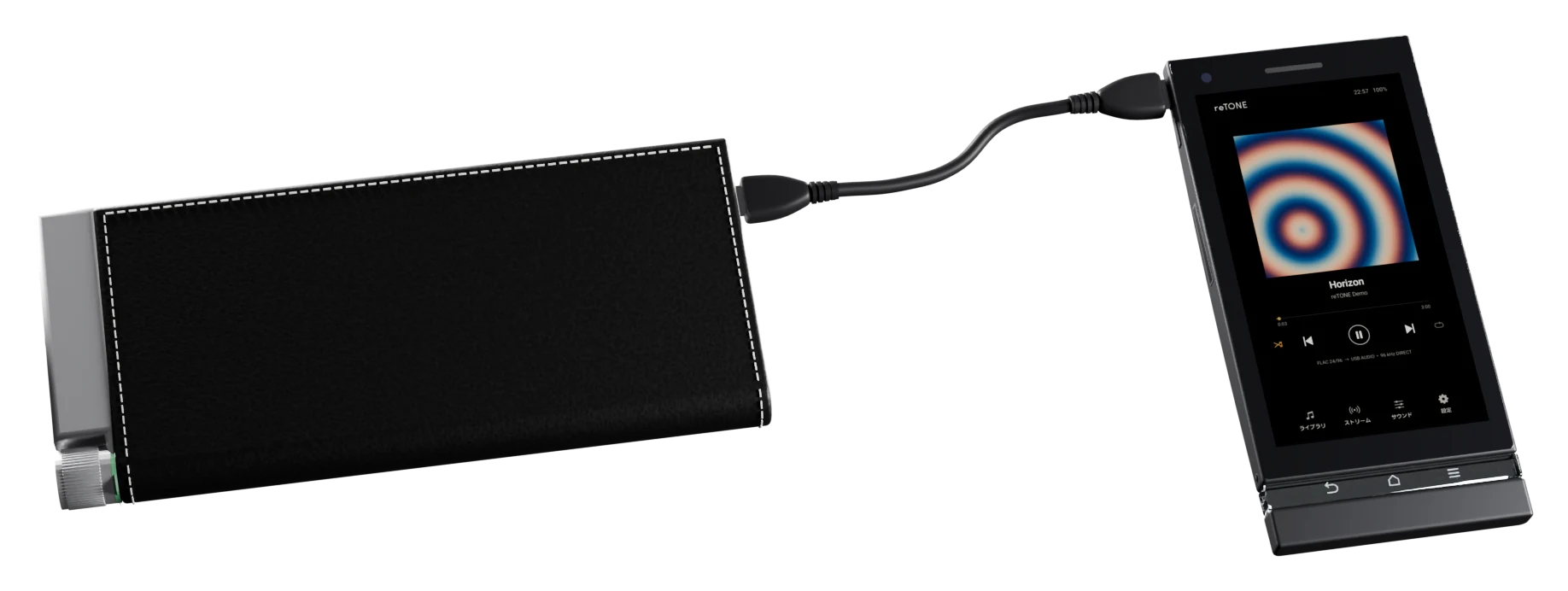
No mixer, no resampling
On supported DACs
No bits lost, on supported DACs
Phones and DACs
DIRECT
means direct.
The bottom row of the player screen shows the track’s format and where it’s going.If a path is known to convert the audio, it won’t say DIRECT. Values it can’t read are never guessed.
FLAC 16/44.1 → 3.5mm STEREO • 48 kHz
FLAC 24/96 → USB AUDIO • 96 kHz DIRECT
DSD64 → USB AUDIO • DSD64 DIRECT
Stop the music,
and it stops too.
Stop playback and reTONE uses 0% CPU.With the screen off, it draws nothing at all. Good for old batteries, and for the sound.
Your everyday phone,
now the remote.
Connect over Bluetooth, and your everyday phone can browse the old one’s library, pick tracks, and control playback and volume.Leave the old one in your bag and control it from the phone in your hand.
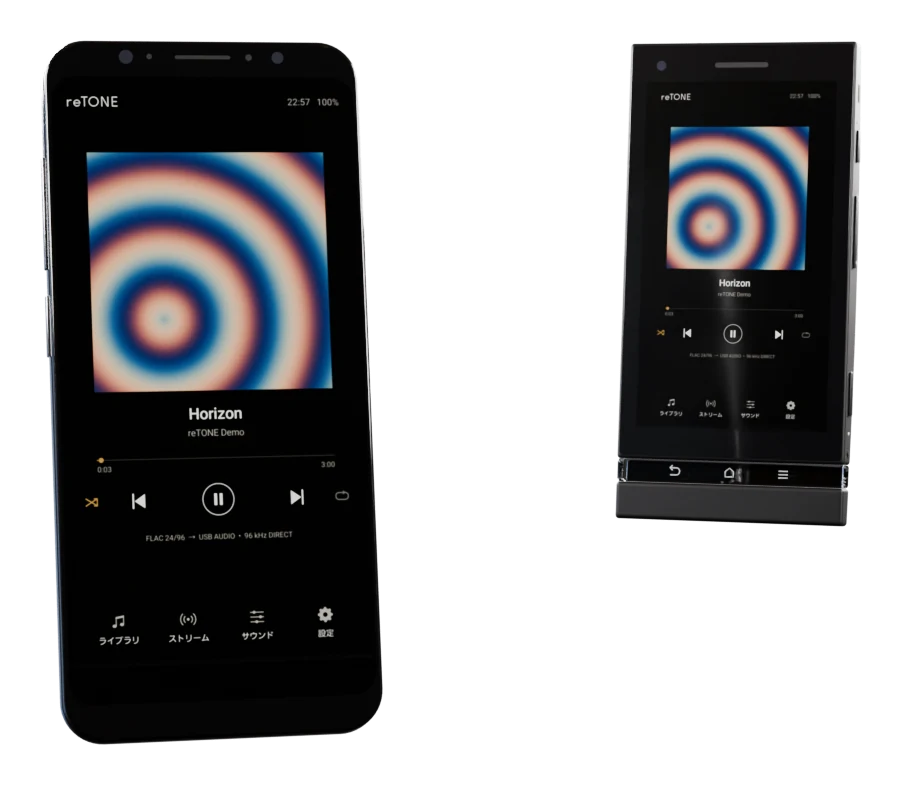
Pick from albums, rearrange Up next
On your everyday phone
No Wi-Fi or internet needed
reTONE on both phones (Android to Android)
On newer Android, too.
reTONE runs on recent phones as well, and adapts its output and layout to the device.
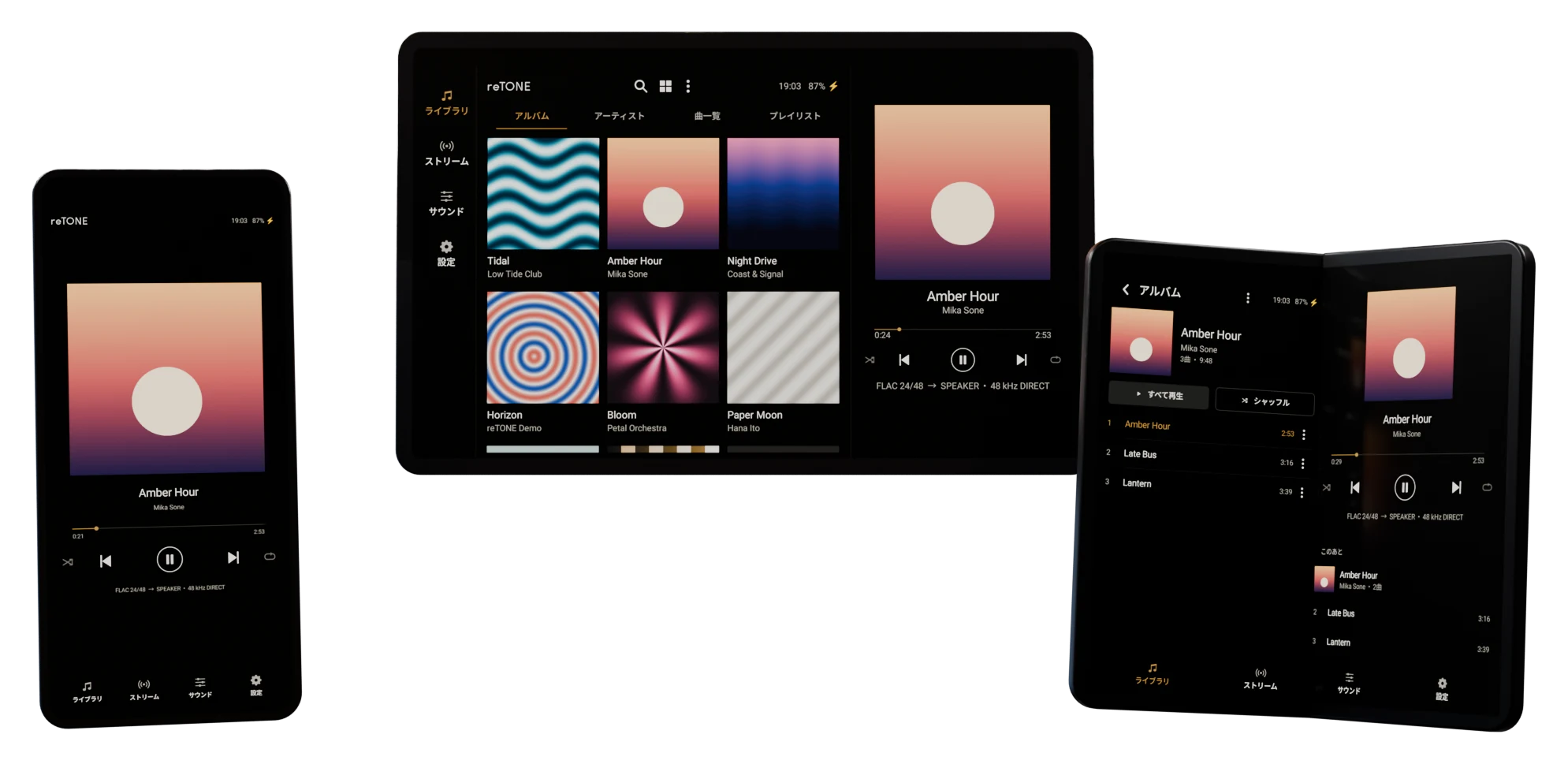
Plays at the track’s own rate. Android 10 and later; availability depends on the phone
Library and player side by side
Two columns on the unfolded screen
Things we found
along the way.
- One DSD track kept cutting out on one particular DAC. On every kick drum, its signal went beyond the level the DSD spec recommends. Some DACs, it seems, simply go silent when that happens.
- A phone that claimed USB host support couldn’t see the DAC. We measured the port: 0.3 V where USB should give 5 V. Since then, we don’t take Android’s word for it.
- Faint crackles from a USB DAC. The culprit was the phone’s own Wi-Fi. We now suggest airplane mode when listening through a DAC.
- Rotating a tablet made the sound drop out for a moment. The tablet was swapping its left and right speakers to match the orientation, so the right channel would always come from the right.
- Phones with faster CPUs had a harder time drawing the screen. Older Android redraws the whole screen even for a small change, so the load comes down to the number of pixels.
Enough talk.
Now go listen.
…Still here?
For those who want more.
What follows may thrill no one but the person who made it.